 Here's
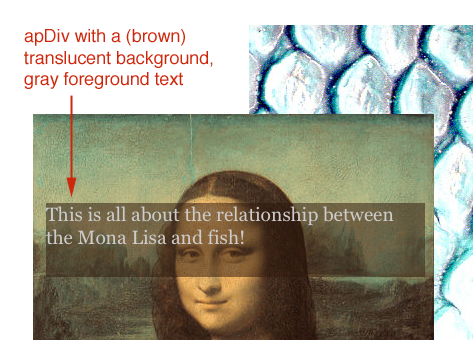
a screen shot of a web page where the text on one apDiv has a translucent background
image.
Here's
a screen shot of a web page where the text on one apDiv has a translucent background
image. See also:
We want to do two kinds of things with transparency and translucency:
Here's
a screen shot of a web page where the text on one apDiv has a translucent background
image.
HTML text is placed on an apDiv, and that apDiv has a background image which
consists of a 20x20 pixel translucent image:  The
foreground text is set to a light shade of gray.
The
foreground text is set to a light shade of gray.
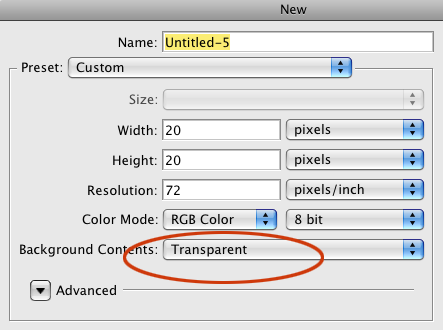
Here's how to make a translucent background tile:
 Use
the paint bucket tool to fill the background with a color of your
choosing
Use
the paint bucket tool to fill the background with a color of your
choosing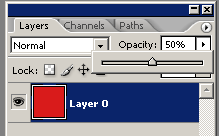 Dial
the opacity of the (single) layer down in the layers menu to around
50%.
Dial
the opacity of the (single) layer down in the layers menu to around
50%.From  to
to  (starting
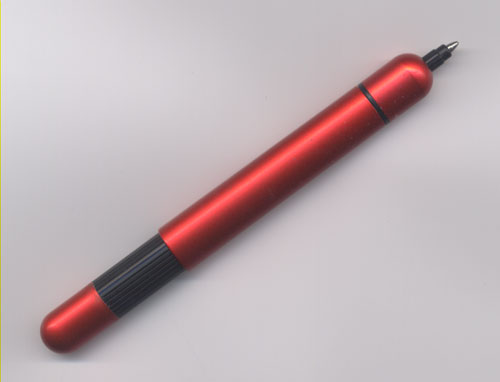
with this larger scanned pen image)
(starting
with this larger scanned pen image)
Once you've brought this image in to Photoshop
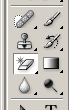 Then erase (use the magic eraser tool) the areas of what had been the background that you want to be transparent.
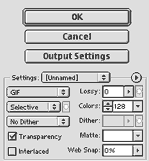 Save
for Web dialog box
Save
for Web dialog boxOr as a PNG image:
To regain transparency in the optimized version you can move the settings box to original and then enter your settings.
Anti-aliasing and Text
Switching into 'quick-mask' mode offers you a whole different way to go about selecting a portion of an image, in order to (eventually) combine it with something else.
You can switch between normal and 'quick-mask mode' with the toggle just below the foreground-, background-color selector.
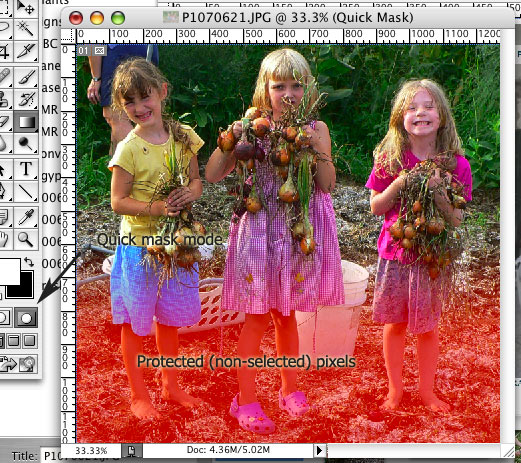
In quick-mask mode you can "color" on your image with the paintbrush, the paint-bucket, the gradient tool, any tool that you wish. The "colors" that you paint with will either
Masked pixels are colored red as shown.
When you switch back to normal mode, the non-red pixels are selected, and you can copy your selection and paste it somewhere else...
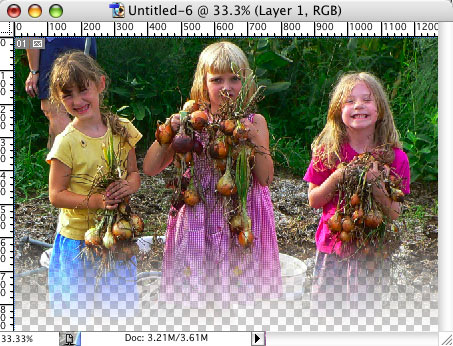
JPG images
GIF images
PNG images
Full support for png images exists in all modern browsers: Safari, Firefox, IE 7.0 (released Oct 2006), Konqueror, Opera..
IE 6.x is our main concern (See browser stats for the latest on what fraction of the public is still using IE 6.) It has these known issues:
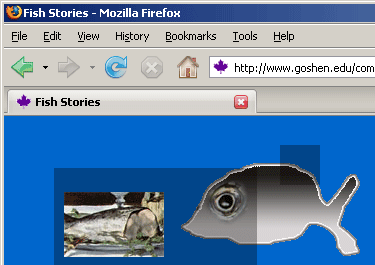 Test
page in Firefox (looks the same in IE 7.x)
Test
page in Firefox (looks the same in IE 7.x)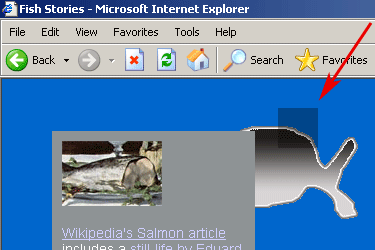 In IE
6.
This page contains the extra code to render png images transparent in IE
6. And the image indicated by the red arrow is displayed using an <img> tag.
In IE
6.
This page contains the extra code to render png images transparent in IE
6. And the image indicated by the red arrow is displayed using an <img> tag.
There may be many situations where it's alright to use such translucent background
images, as long as what shows through is not important to the content of
the page.